

In short
Cisco Duo is an identity security platform from Duo Security, which Cisco bought in 2018. It adds multi-factor authentication, single sign-on, passwordless login, device trust and identity threat detection to cloud apps, VPNs, Windows and macOS logon and on-premises systems, licensed per user in Free, Essentials, Advantage and Premier editions.
Not sure where to start?
Tell us what you need to achieve and we will point you to the right option.
What is Cisco Duo?
Cisco Duo is a cloud-delivered identity security service. It started life as Duo Security, an American company that Cisco acquired in 2018, and it is now sold as Cisco Duo (most people still just say "Duo", and Cisco Duo Security, Duo Security and Cisco Duo all mean the same product).
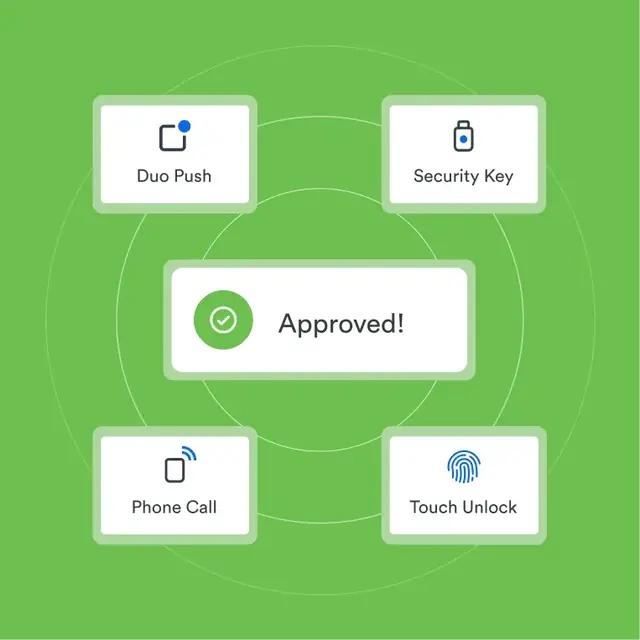
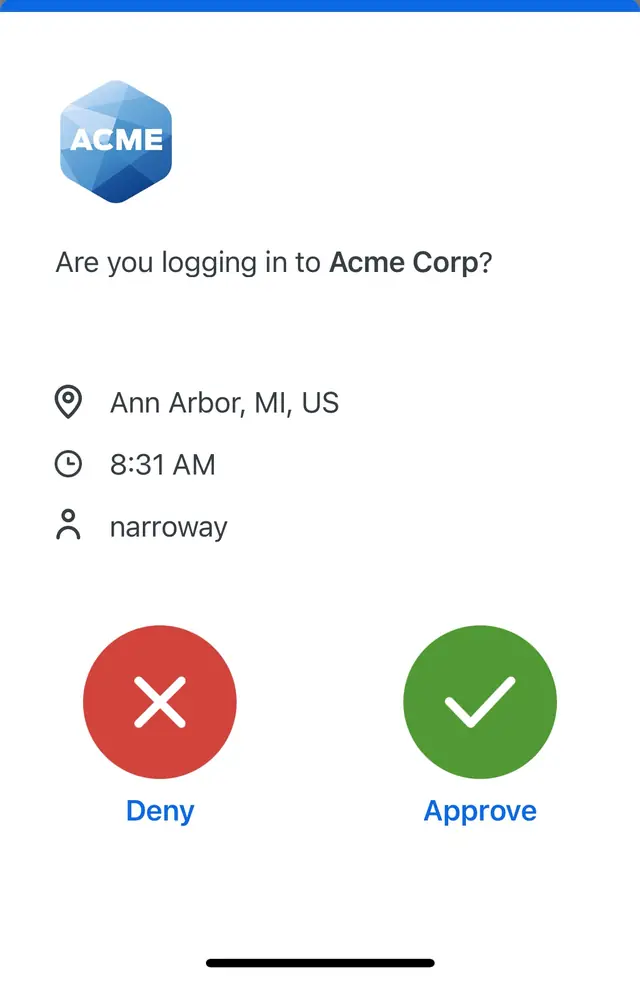
At its simplest, Duo adds a second check to a login. A user enters their normal username and password, then confirms the login with Duo Push on their phone, a passkey, a security key or another method. Around that core, Duo has grown into a wider access platform:
- Strong authentication: multi-factor authentication, Verified Duo Push and passwordless login with passkeys, Windows Hello, Touch ID and FIDO2 security keys
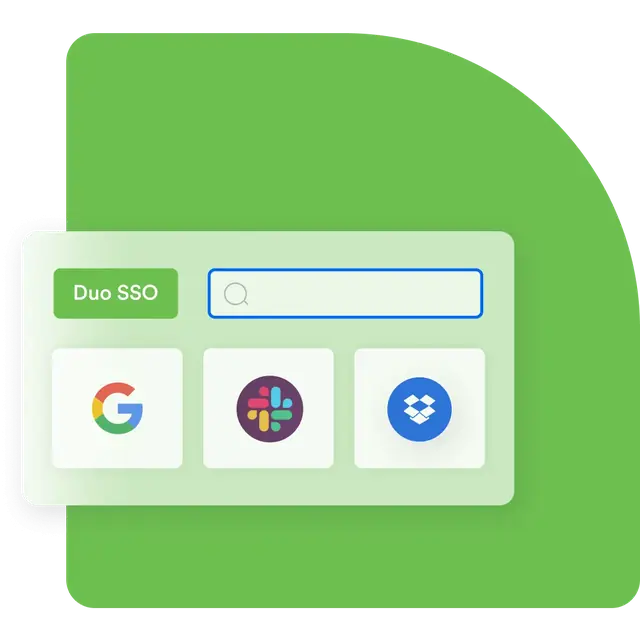
- Access: Duo SSO (Duo Single Sign-On) and Duo Directory, so Duo can act as your identity provider
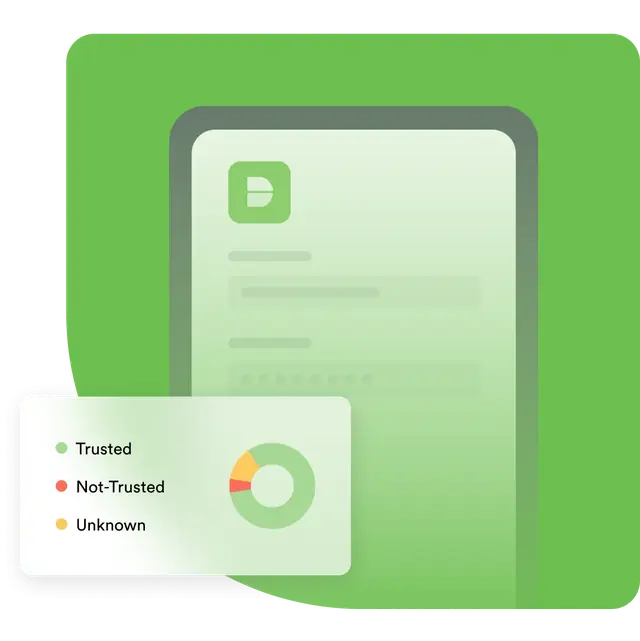
- Device trust: Trusted Endpoints and device health checks through the Duo Desktop app
- Identity threat detection: Cisco Identity Intelligence for visibility across Duo and your other identity sources
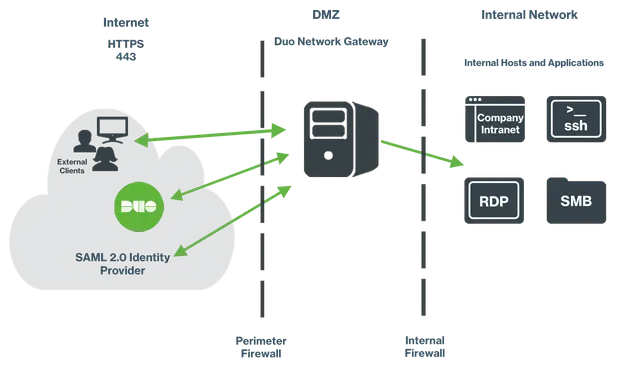
- Remote access: Duo Network Gateway for reaching internal apps without a VPN client
Because Duo checks the user and the device before every login, and applies policy per application, Cisco Duo is often the first step in a zero trust programme. It covers the identity and device side; the wider strategy across networks and workloads is set out in our guide to zero trust security, and Duo is one part of a broader approach to identity security.
How Duo works
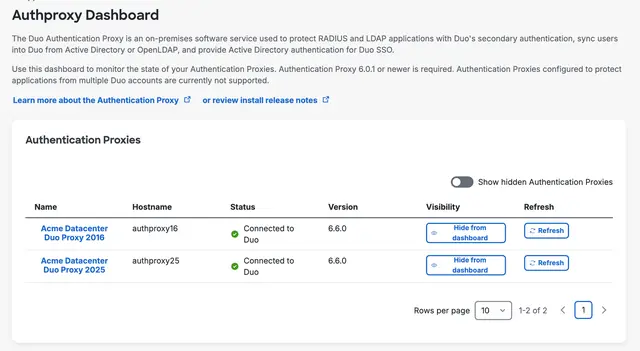
Duo sits between your users and the applications they log in to. Each protected application is added in the Duo Admin Panel and connected to Duo through an integration: a SAML or OIDC connection for cloud apps, an installed plugin for Windows or macOS logon, or the Duo Authentication Proxy for VPNs and other RADIUS or LDAP systems.
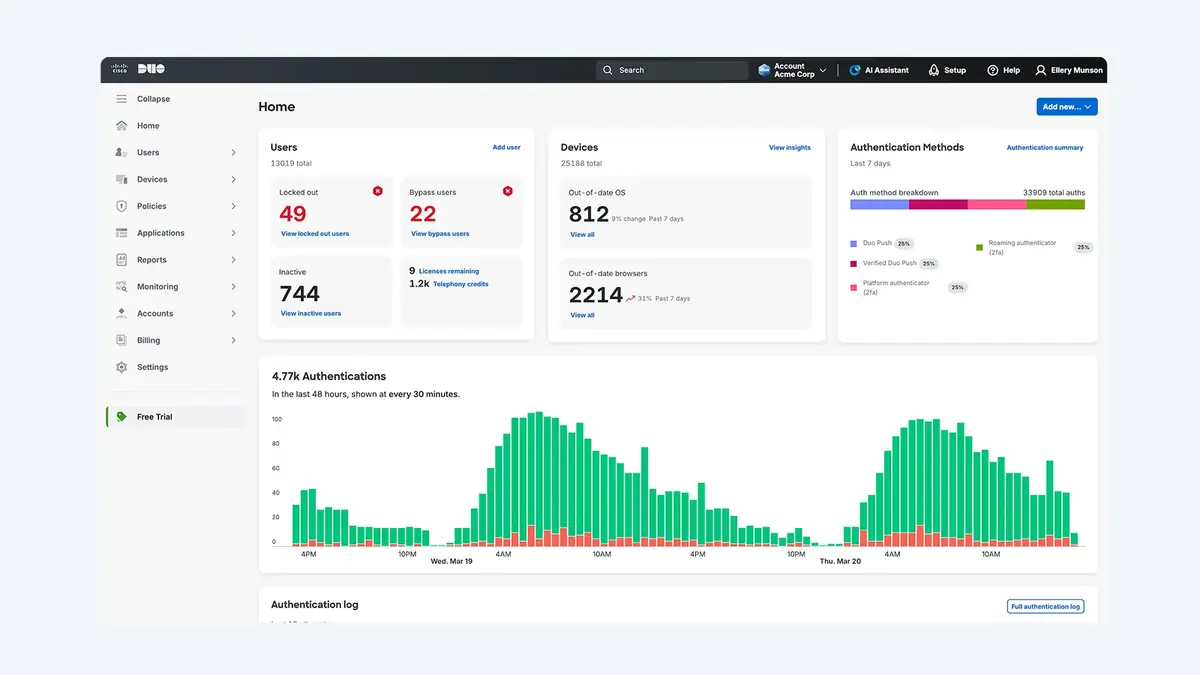
When someone logs in, the application (or your identity provider) checks their primary credentials, then hands over to Duo. Duo shows the Universal Prompt, checks the user's policy and device, and asks for a second factor where needed. Policies can be set globally, per application or per group, so you can, for example, insist on Verified Push for finance apps, allow only managed laptops into an admin portal or, on higher editions, block out-of-date operating systems.
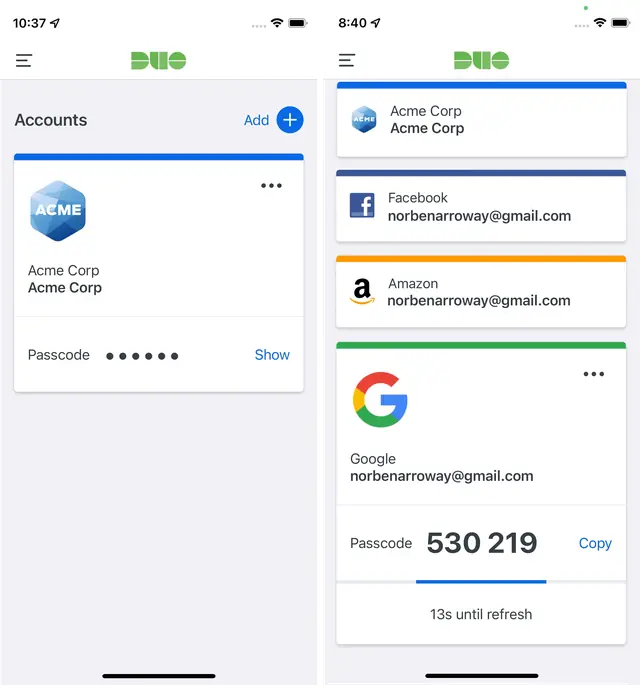
On paid editions, users can manage their own devices through the self-service portal, and the Duo Mobile app works on iOS and Android, with passcodes that still work without a signal. Every authentication and admin action is logged, so you can see who logged in to what, from which device, and why a login was allowed or blocked.
Cisco Duo editions at a glance
Duo is sold in four editions. Each one includes everything in the edition before it.
| Edition | Formerly | Best for | Headline features |
|---|---|---|---|
| Duo Free | - | Teams of up to 10 users | MFA, integrations and the Duo Mobile app |
| Duo Essentials | Duo MFA | MFA and SSO for every app | Phishing-resistant MFA, passwordless, SSO, Duo Directory, Trusted Endpoints, unlimited applications |
| Duo Advantage | Duo Access | Hybrid workforces and BYOD | Identity Intelligence (ITDR and ISPM), risk-based authentication, Duo Passport, session theft protection, device health |
| Duo Premier | Duo Beyond | Zero trust access without a VPN | Duo Network Gateway and complete device trust with security agent checks |
New Duo sign-ups get a 30-day trial of Duo Advantage; if no paid plan is bought, the account switches to Duo Free when the trial ends. For a feature-by-feature comparison and how licensing works, see Cisco Duo pricing. Duo is licensed per user: ask us for a quote.
Not sure which edition fits? Ask us
Tell us what you need and we will help you choose the right edition.
Features
- Cisco Duo MFA: the authentication methods and what Duo can protect
- Duo Push and Verified Push: one-tap approvals that resist push bombing
- Duo Passwordless authentication: passkeys, platform authenticators and Passwordless OS Logon for Windows
- Cisco Duo hardware tokens and security keys for staff without a smartphone
- Risk-based authentication that steps up only when something looks wrong
- Duo Passport: fewer prompts, with sessions bound to a trusted device
- Duo device trust and Duo Desktop for managed and healthy devices
- Cisco Identity Intelligence: identity threat detection and response
- The Cisco Duo Admin Panel: admin login, policies, users, reports and the Universal Prompt
Integrations
Duo can protect a wide range of the systems your staff log in to. Start at the Cisco Duo integrations hub, or go straight to the most popular:
- Microsoft 365 and Entra ID, including the Entra ID External MFA option
- Google Workspace and AWS
- Duo MFA for Windows login and RDP, RD Gateway and Duo MFA for Mac
- Duo Security for VPNs and firewalls and Duo for Cisco Secure Client
- On-premises systems through the Authentication Proxy
Need help choosing?
We will recommend what fits your organisation and explain why, in plain English.
Use cases, comparisons and guides
- Cisco Duo for Cyber Essentials: closing MFA gaps in the user access control requirement
- MFA for cyber insurance: covering email, remote access, admin accounts and backups
- MFA for schools and academy trusts
- Cisco Duo for small business
- Duo Mobile vs Microsoft Authenticator
- Duo MFA setup: a step-by-step Cisco Duo roll-out guide
Duo and the wider Cisco security portfolio
Duo is the identity layer of Cisco's security portfolio. It works alongside Cisco Secure Client and Cisco Secure Firewall for remote access, Cisco Secure Access for cloud-delivered security, and Cisco Secure Endpoint for device protection. See Cisco Secure for the rest of the portfolio, and Forever Group's Cisco security page for how we support Cisco across networks and users.
Forever Systems is a Cisco Partner: we supply Duo licences, design the integrations, run the roll-out and support you afterwards, as part of our wider cyber security services. If you are not sure which edition you need, contact us and we will map your applications and users to the right one.
Explore Cisco Duo
 PricingHow Duo licensing works, with every edition compared.
 Duo FreeFree MFA for teams of up to 10 users.
 Duo EssentialsMFA, SSO, passwordless and Duo Directory for every app.
 Duo AdvantageRisk-based access, device health and identity threat detection.
 Duo PremierVPN-less access and complete device trust.
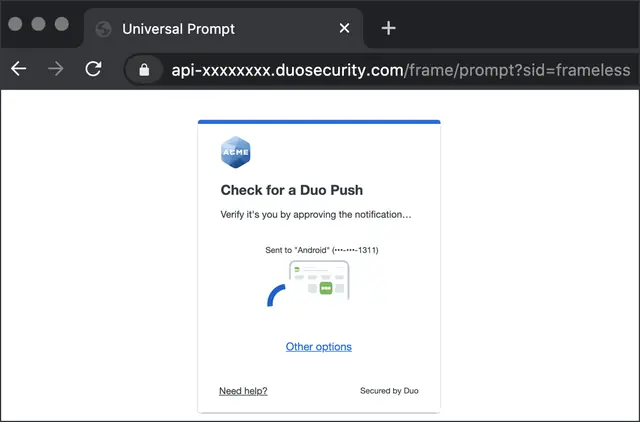 Duo setupA step-by-step guide to rolling out Duo.
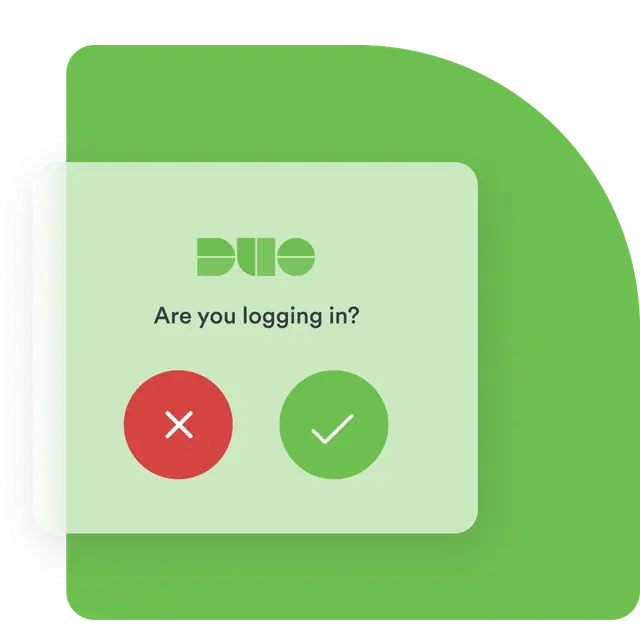 Duo MFAMulti-factor authentication for every app, VPN and logon.
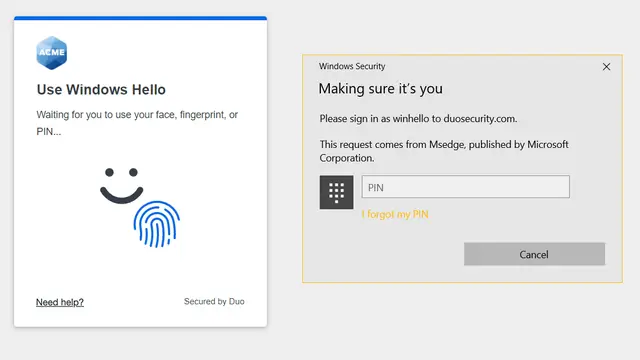 Duo PasswordlessSign in with passkeys, biometrics and security keys.
 Duo MobileThe Duo authenticator app: set up, new phone and fixes.
 Risk-based authenticationAdaptive MFA that steps up only when something looks wrong.
 Duo vs Microsoft AuthenticatorDuo and Microsoft's authenticator app compared, and how they work together.
 Duo SSOOne login, protected by Duo, for your SAML and OIDC apps.
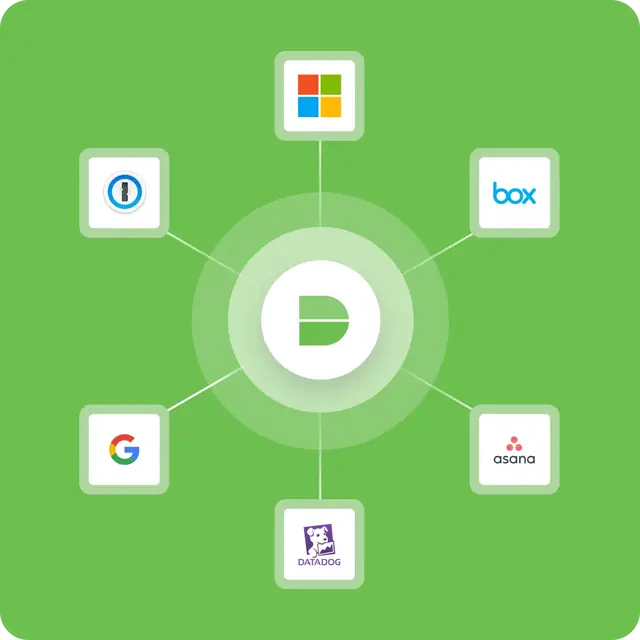 Duo DirectoryA cloud user directory so Duo can be your identity provider.
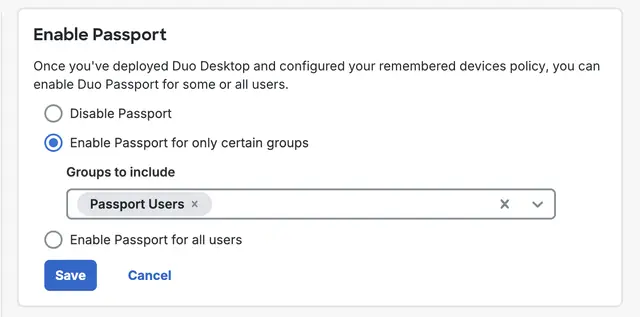 Duo PassportOne trusted session across browsers, apps and Windows Logon.
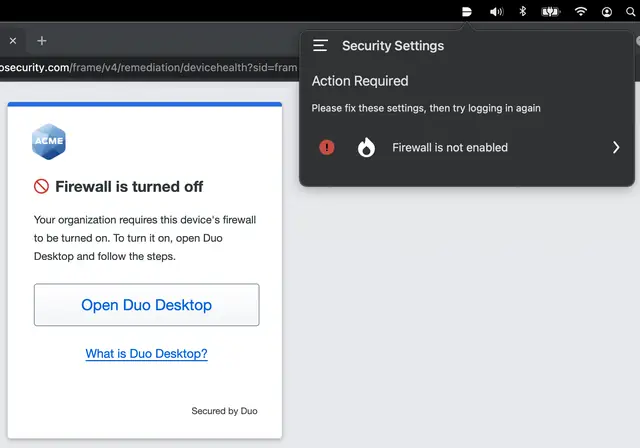 Device trustOnly managed, healthy devices reach your applications.
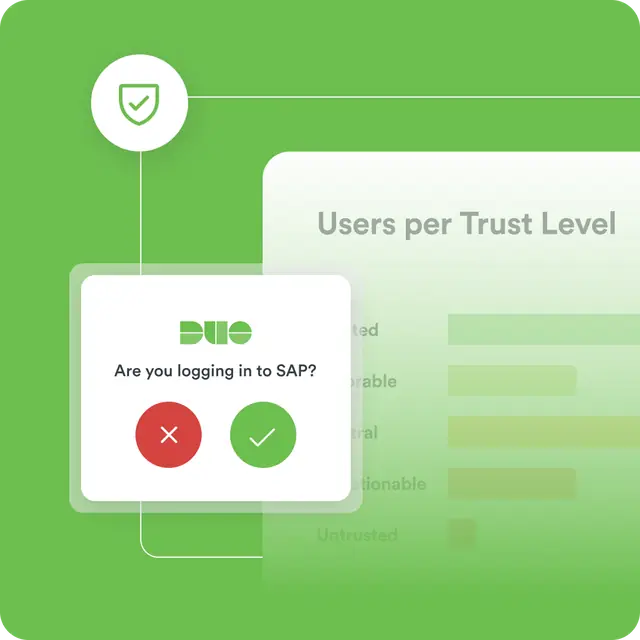 Identity IntelligenceIdentity threat detection and posture across all your identity systems.
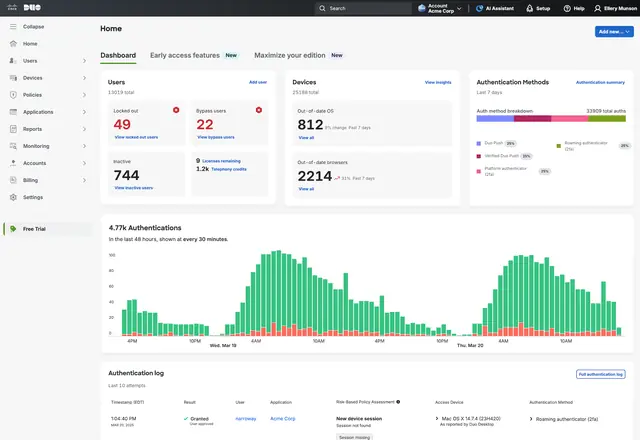 Admin PanelWhere Duo is configured: apps, users, policies and reports.
 IntegrationsEverything Duo can protect, from Microsoft 365 to the office VPN.Duo for Cyber EssentialsMeet the Cyber Essentials v3.3 MFA rules on every cloud service and admin account.Cyber insurance MFACover the MFA questions on cyber insurance proposal forms, with evidence.Duo for schoolsMeet the DfE MFA standard for staff and IT admin accounts, phones or no phones.Duo for small businessStart with Duo Free or Essentials and protect email, VPN and laptops.
How Forever Systems supplies and supports Cisco Duo
We supply, set up and support Cisco Duo, from small teams and schools to multi-site businesses.
- Edition selection: Duo Free, Essentials, Advantage or Premier, matched to your users, applications and compliance needs
- Integration design: Microsoft 365 and Entra ID, Google Workspace, AWS, VPNs and firewalls, Windows and macOS logon, RDP and RD Gateway, the Authentication Proxy and Duo Single Sign-On
- Device trust: Trusted Endpoints, device health policies and Duo Desktop, alongside your MDM
- Roll-out: user enrolment, communications, hardware tokens for staff without smartphones, and help desk processes that help counter MFA fatigue
- Ongoing support: policy tuning, reporting, Cyber Essentials and cyber insurance evidence, renewals and licence changes
Forever Systems is a Cisco Partner and also supplies the wider Cisco Secure portfolio.
Frequently asked questions
What is Cisco Duo and what is it used for?
Cisco Duo is a cloud identity security service. It is used mainly for multi-factor authentication and secure access: confirming that users are who they say they are, and that their device is safe, before they reach an application. Paid editions add single sign-on, passwordless login, device trust and identity threat detection.
What is Duo Security?
Duo Security is the company that created Duo, the MFA and secure access service now sold as Cisco Duo. The name lives on in places such as the admin.duosecurity.com Admin Panel address, so Duo Security and Cisco Duo refer to the same product.
Is Duo Security part of Cisco?
Yes. Cisco acquired Duo Security in 2018, and the product is now marketed as Cisco Duo. Older documents and apps may still say Duo Security.
Is Cisco Duo a zero trust solution?
Cisco Duo covers the user and device side of zero trust: it verifies every user with MFA, checks the device with Trusted Endpoints and, on higher editions, health checks, and applies policy per application. Duo Premier adds access to internal apps without a VPN through Duo Network Gateway. A full zero trust programme also covers networks and workloads.
Is Cisco Duo free?
Duo Free covers up to 10 users with MFA, integrations and the Duo Mobile app. Larger teams, and anyone who needs SSO, passwordless or device trust, need a paid edition. See Duo Free.
Does Cisco Duo work with Microsoft 365?
Yes. Duo can act as an external MFA method in Microsoft Entra ID, or federate Microsoft 365 through Duo SSO. See Duo for Microsoft 365 and Entra ID.
Does Cisco Duo need a smartphone?
No. Duo Mobile is the most common method, but users can also authenticate with hardware tokens, FIDO2 security keys or platform authenticators such as Windows Hello. See Cisco Duo hardware tokens.
Still have a question about Cisco Duo supply and support?
Ask us and a member of our team will reply by email.